Requirements필요한 것
- macOS
- Tally running, with your accounts added
- 계정을 추가해 둔 Tally
- Node.js 22.12 or later
- Node.js 22.12 이상
- For New session, Attach, and Reset: tmux 3.2 or later and iTerm2
- 새 세션·붙기·리셋을 쓰려면 tmux 3.2 이상과 iTerm2
It makes no network requests. It does not read Keychain, tokens, session .key files, or process arguments.
네트워크 요청을 하지 않습니다. Keychain, 토큰, 세션 .key 파일, 프로세스 인자는 읽지 않습니다.
Install설치
npx lane-desk            # menu bar only
npx lane-desk --window   # also open a windownpx lane-desk            # 메뉴바만
npx lane-desk --window   # 창도 바로 열기
Or install it once with npm i -g lane-desk and run lane-desk. npm i -g does not fetch Electron; the first run does (about 120 MB, 260 MB unpacked), unless a copy is already in ~/Library/Caches/electron. Installed from npm, it runs without the “unidentified developer” prompt that an unsigned .app download gets.
To upgrade: right-click the menu bar title → Quit, then npm i -g lane-desk@latest, then lane-desk. The top line of that menu shows the version that is running.
npm i -g lane-desk로 한 번 설치한 뒤 lane-desk로 실행해도 됩니다. npm i -g는 Electron을 받지 않고, 처음 실행할 때 받습니다(약 120MB, 풀면 260MB). ~/Library/Caches/electron에 이미 있으면 그것을 씁니다. npm으로 받으면 서명 없는 .app을 내려받을 때 뜨는 「확인되지 않은 개발자」 차단 없이 실행됩니다.
올리려면: 메뉴바 글자 오른쪽 클릭 → 종료, npm i -g lane-desk@latest, lane-desk 순서로 합니다. 그 메뉴 맨 위 줄에 지금 도는 판 번호가 있습니다.
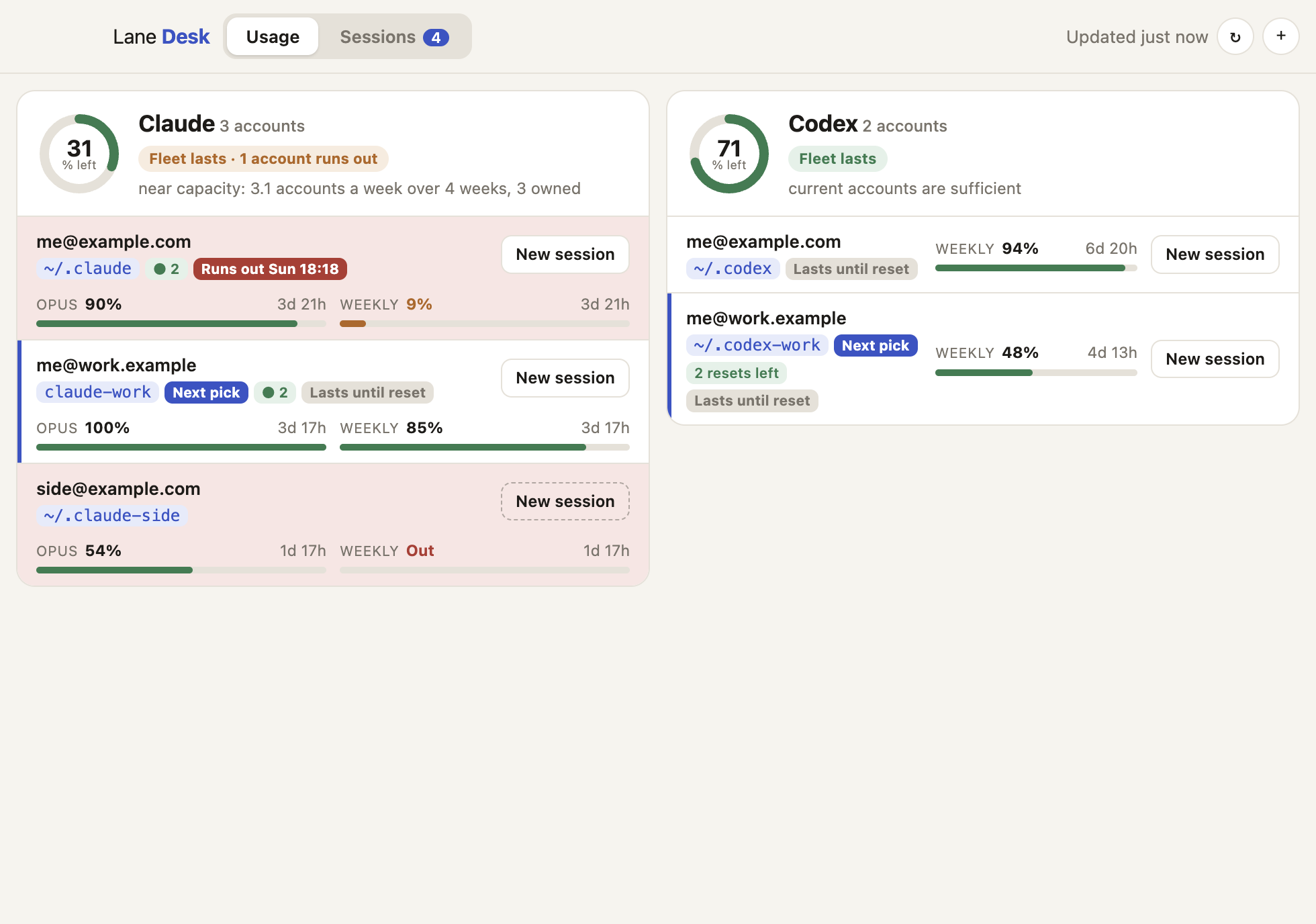
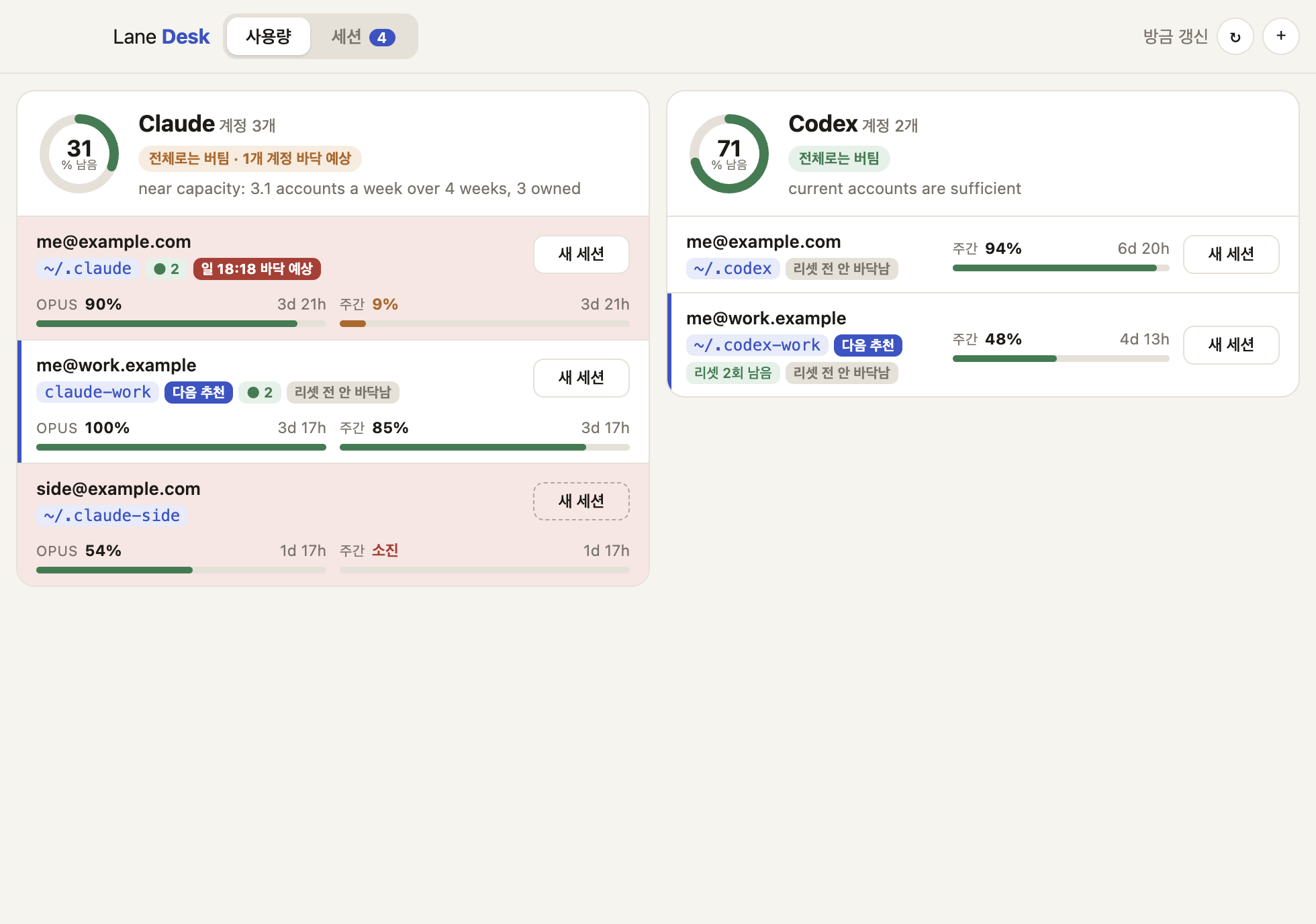
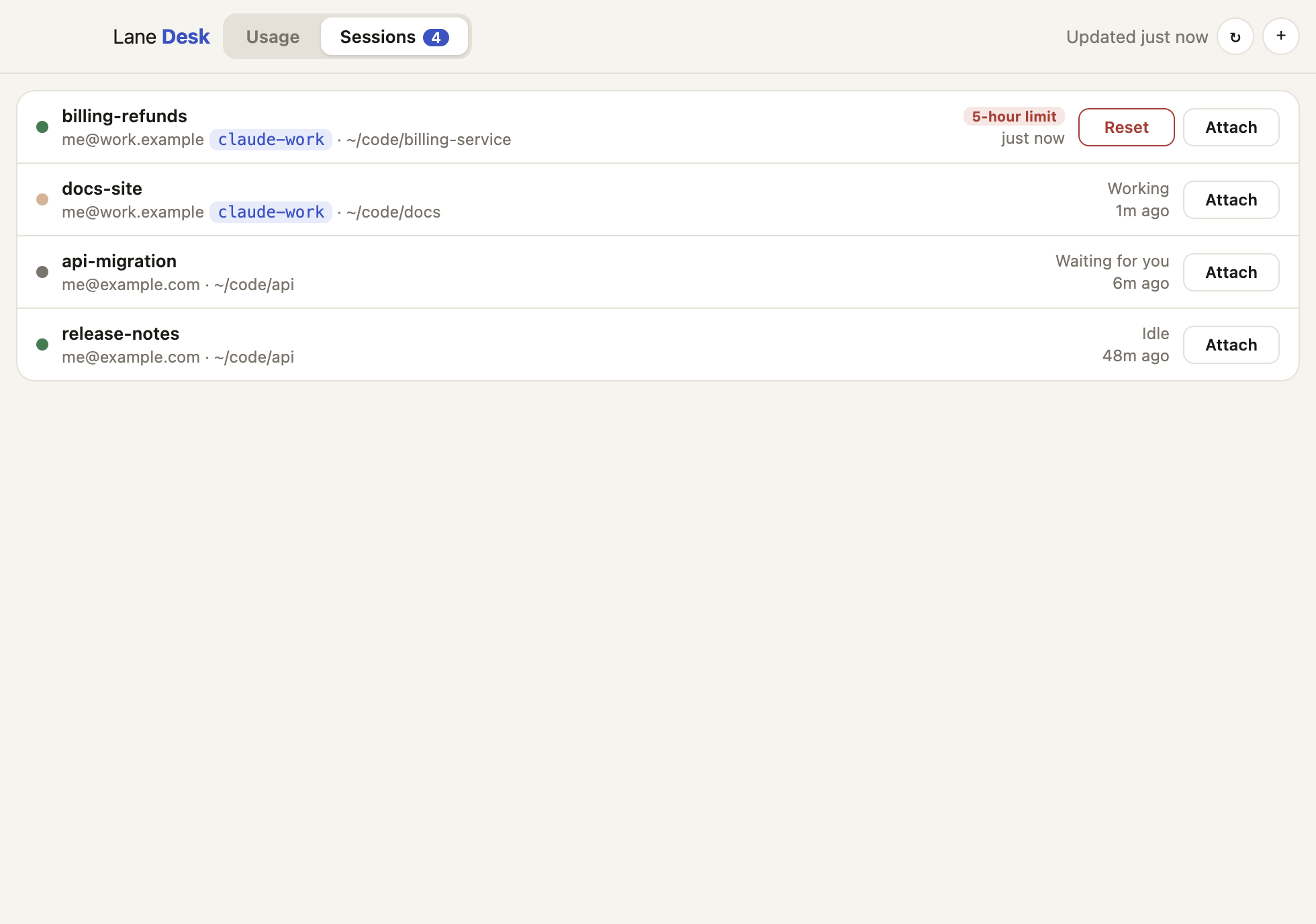
Want to look before you connect anything? This opens the window with made-up accounts:
연결하기 전에 먼저 보고 싶다면 지어낸 계정 화면을 엽니다.
LANE_DESK_DEMO=1 npx lane-desk --window